Google Gemini Photo Editing Kya Hai?
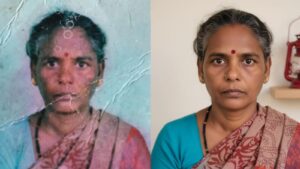
Google Gemini ek advanced AI model hai jo images ko samajhne, analyze karne aur edit karne mein help karta hai. Iska photo editing feature text-based commands par kaam karta hai. Matlab aap sirf likhkar bol sakte ho:
“Remove background”,
“Make sky more blue”,
“Increase brightness and sharpness”
Aur Gemini AI automatically aapki image ko edit kar deta hai.
Simple Commands, Powerful Results
Google Gemini ki sabse badi strength hai iska natural language understanding. Aapko koi complex tools seekhne ki zarurat nahi.
Example:
- “Is photo ka background blur kar do”
- “Face ko thoda smooth aur natural look do”
- “Is image ko professional Instagram style bana do”
Gemini AI aapke instructions ko samajhkar smart edits apply karta hai, bina quality loss ke.


Content Creators Ke Liye Game Changer
Agar aap blogger, YouTuber, Instagram creator ya digital marketer ho, to Google Gemini photo editing aapke kaam ko fast aur easy bana deta hai.
Benefits:
- Time saving editing
- No advanced software knowledge required
- Professional looking images
- Consistent visual quality for branding
AI Editing with Safety & Accuracy
Google Gemini sirf editing hi nahi karta, balki image context ko bhi samajhta hai. Is wajah se edits zyada realistic aur accurate lagte hain. Over-editing ya artificial look ka risk kaafi kam ho jaata hai.
Future of Photo Editing
AI-powered photo editing ka future kaafi bright hai, aur Google Gemini is race mein kaafi aage hai. Aane wale time mein hum aur zyada smart features expect kar sakte hain jaise:
- Auto object replacement
- Style-based photo transformation
- One-click professional edits
Final Thoughts
Google Gemini Photo Editing ek powerful tool hai jo beginners aur professionals dono ke liye useful hai. Agar aap bina hassle ke high-quality photos banana chahte ho, to Gemini AI definitely try karna chahiye.
PROMT –
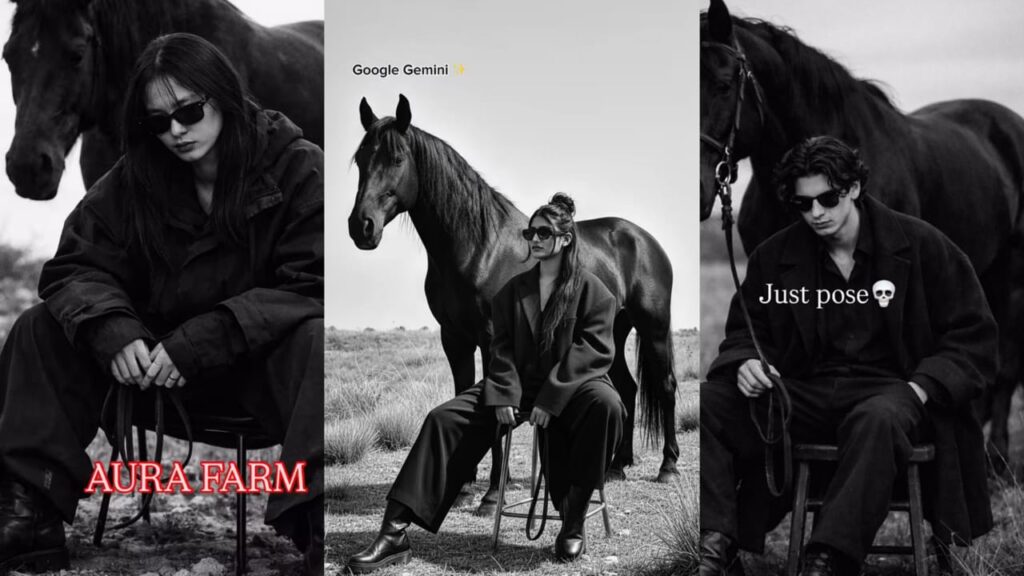
Ultra realistic black and white cinematic photo.
A stylish young woman sitting confidently on a small wooden stool
in an open field with dry grass and stones.
She is wearing an oversized black coat, loose black trousers,
black leather boots, and dark sunglasses.
Her hair is tied in a messy bun with some strands loose.Behind her stands a strong, majestic black horse,
calm and powerful, slightly turned to the side.
Minimalist background, open nature landscape,
soft natural daylight, high contrast monochrome tones.Editorial fashion photography style,
moody, luxury, aesthetic vibe,
sharp focus, depth of field,
professional photoshoot look,
no text, no watermark, high resolution.
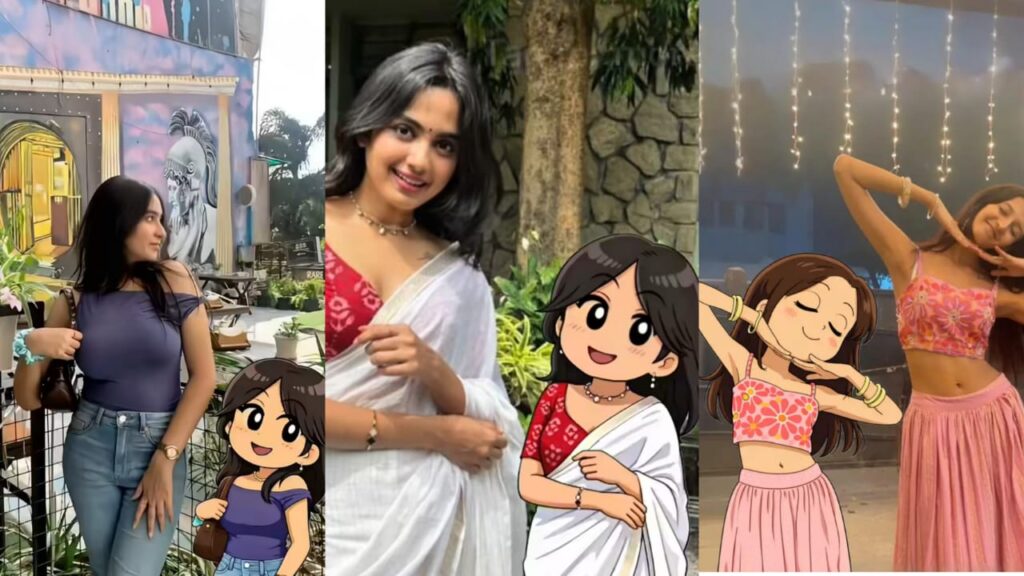
PROMT – Transform the subject from the uploaded photo into the Crayon Shin-chan (Shinnosuke Nohara) anime style, referencing Shin-chan’s full cast of friends (such as Kazama, Nene, Masao, and Bo-chan).Style & Aesthetic: Match the official Crayon Shin-chan TV anime look — exaggerated cartoon humor, stubby childlike proportions, big oval eyes with dot pupils, expressive mouths, bold clean outlines, and flat cel coloring.Subject Details to Retain: Keep the subject’s original clothing, hairstyle, accessories, pose, skin tone, and expression recognizable, but reinterpret them as if they are part of Shin-chan’s friend group. Clothing should be simplified into bold, flat anime shapes while remaining faithful to the original outfit.Visuals: Full-body character in Shin-chan anime style. Bold outlines, flat cel fills, minimal shading. Comedic proportions and facial expressions referencing Shin-chan’s friends.Background: transparent background.Negative Prompt: No realistic faces, no detailed or 3D shading, no manga sketch lines, no extra accessories, no anime style outside of official Crayon Shin-chan.Copy to Clipboard
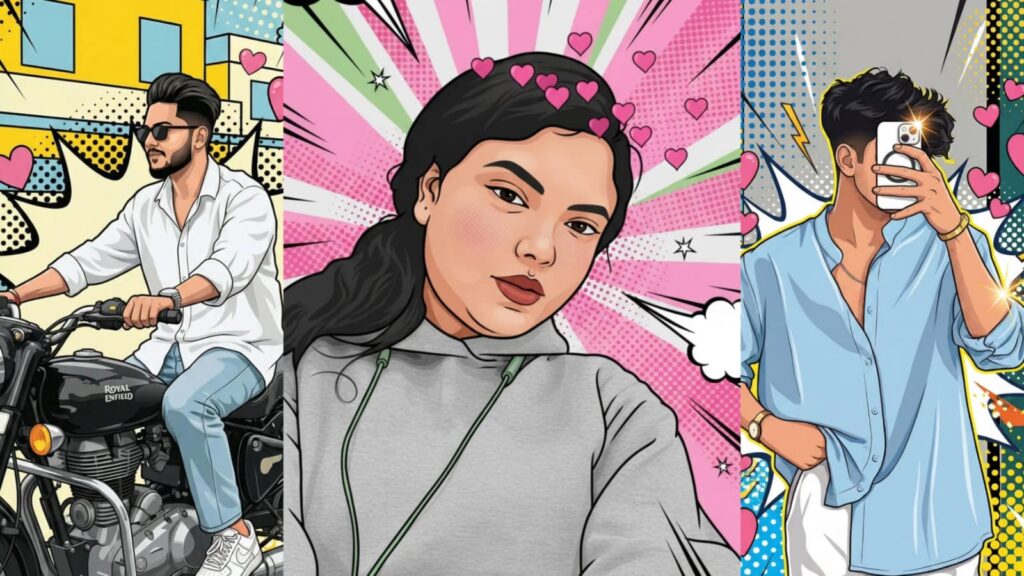
PROMT – Transform the image into a high-end professional pop-art vector illustration. Use Clean vector shapes with accurate facial features, soft cartoon detailing, minimal halftone shading. Add comic bursts, dotted patterns, motion lines, energy effects, spark highlights using the photo’s dominant colors. Bold outlines, crisp edges, vibrant balanced colors, fully color-adaptive pop-art background and some cute pink hearts!”
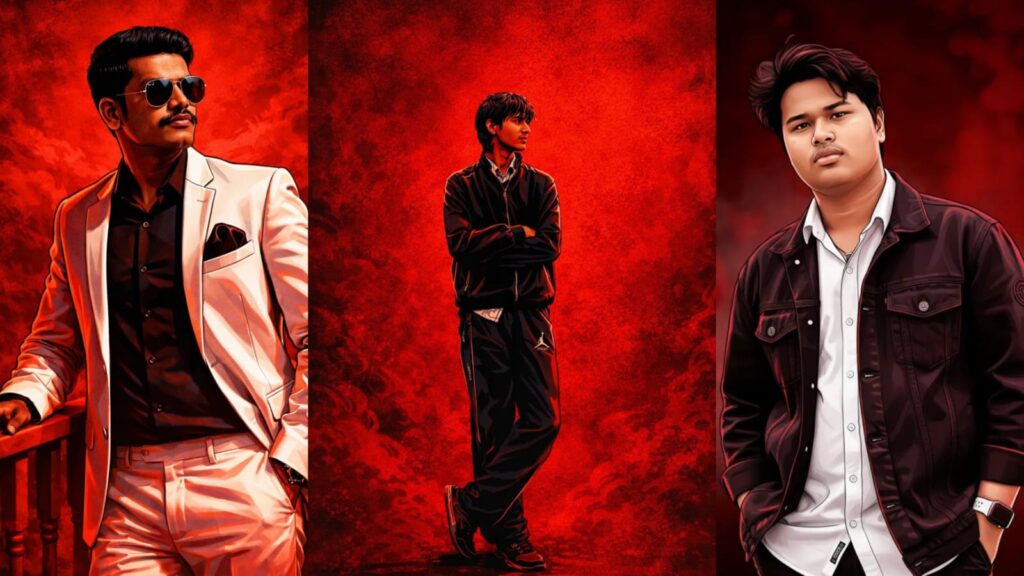
PROMT – illustration of the person in the reference photo Maintain the exact face identity hairstyle, expression skin tone and pose with zero distortion Transform the entire scene into a deep red high contrast Tamil gangster movie poster style. Replace the background with red gradients smokyatmosphere and subtle textures. Add bold comic book shading thick outlines,strong black shadows and glossy highlights on the skin and clothes. Stylize the outfit with richer tones clean folds and dynamic lighting.
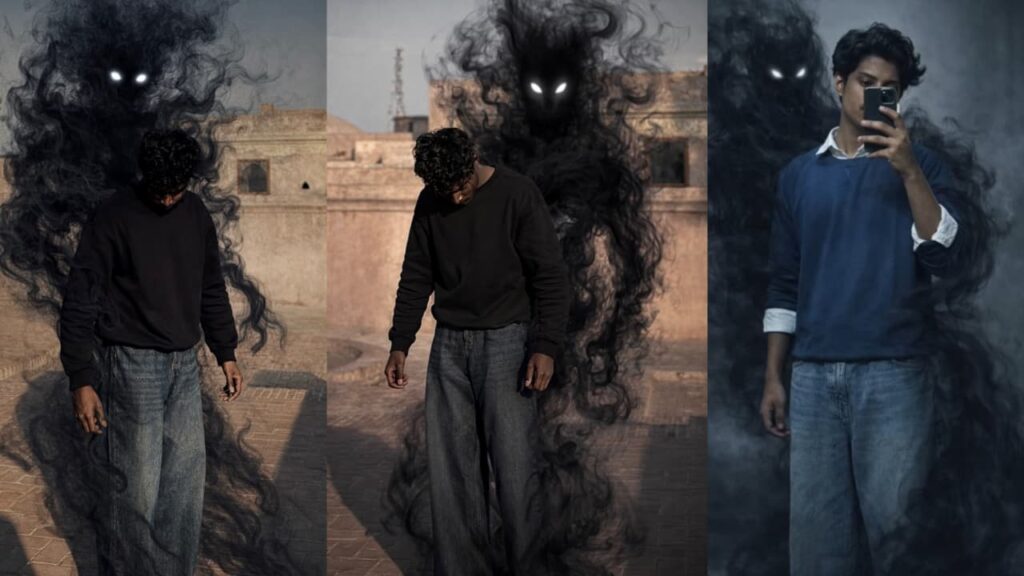
PROMT – Transform this picture into a dark, cinematic fantasy scene.Keep the person exactly the same same face, pose, outfit, lighting, and background.Add a shadowy, smoke-like demonic entity emerging from behind the person’s back.The entity should be made of swirling black smoke, semi-transparent, with glowing white eyes.The smoke wraps around the body and flows down to the floor naturally, blending with the environment.
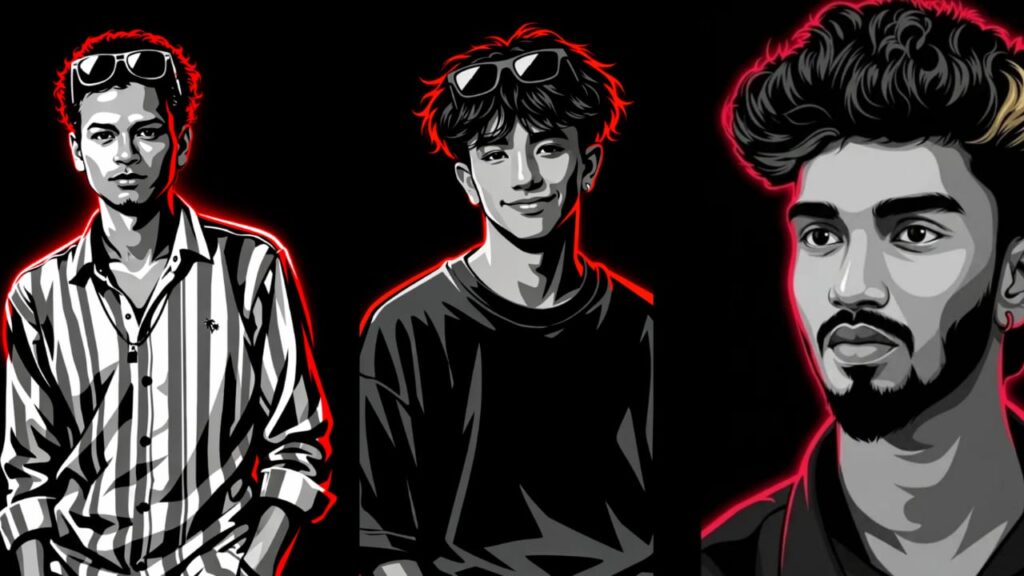
Prompt 👇
“A high-contrast vector illustration of a young man with curly hair and sunglasses perched on his forehead. The art style uses a grayscale palette for the face and clothing, featuring sharp cell shading and deep black shadows. Intense neon red rim lighting outlines his silhouette and hair against a solid black background. Minimalist, modern, and edgy graphic design style.”
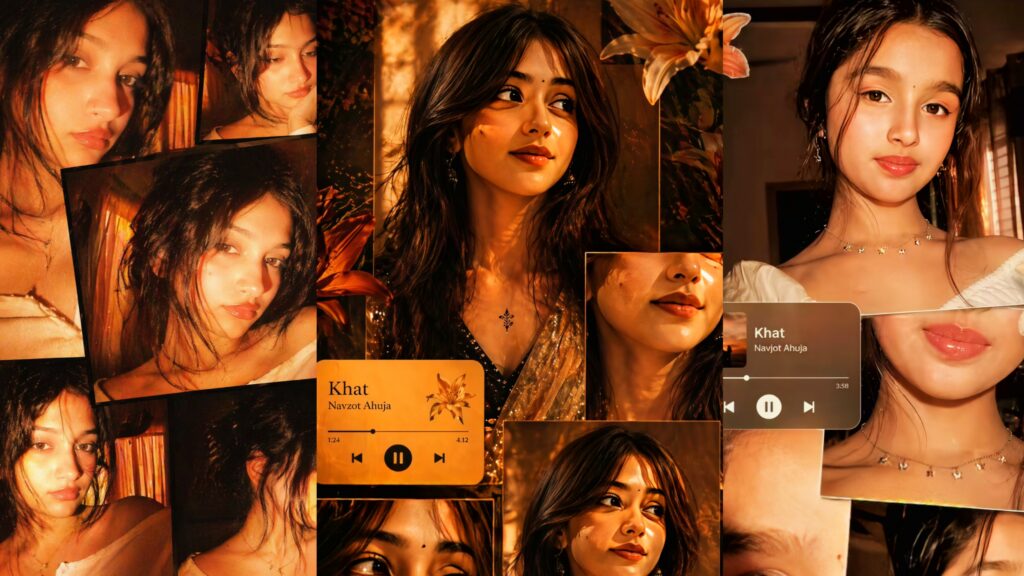
PROMT –
Ultra-realistic cinematic collage of a young woman using the uploaded face exactly. The image is composed of multiple rectangular photo panels layered vertically and diagonally, creating a scrapbook-style layout. Each panel shows close-up and mid-shot portraits of the same girl in a dim indoor room.
Lighting: strong, warm, golden-orange direct flash lighting hitting the face from the front-left, creating high contrast, deep shadows, and a glowing skin effect. Background remains dark with visible window curtains slightly illuminated. Harsh highlights on cheekbones, nose, and lips. Slight film grain and soft blur for a dreamy vintage feel.
Color grading: intense amber, burnt orange, and golden tones dominating the entire image. High saturation, slightly crushed blacks, and glowing highlights.
Subject styling: messy tied-back hair with loose strands falling on face, glossy lips, subtle eyeliner, dewy skin. Wearing a delicate necklace with small pendants and a casual off-shoulder white to
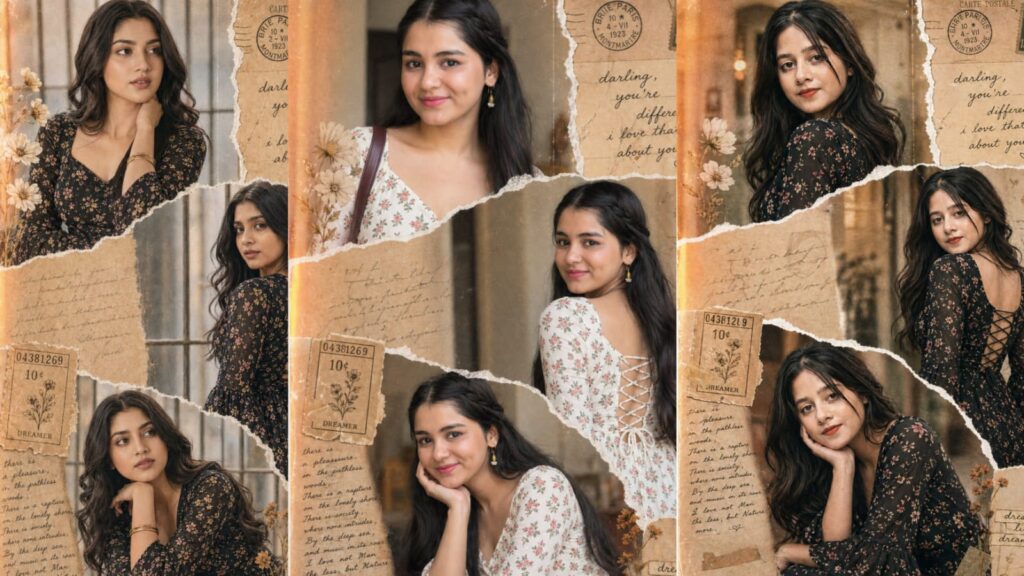
PROMT – A high-definition vertical collage with a vintage scrapbook aesthetic, featuring three distinct panels of a woman with long, wavy dark hair. She is wearing a black floral-print dress with bell sleeves and an intricate lace-up corset detail on the back. The panels are separated by realistic white torn-paper edges. The background is filled with nostalgic elements: aged parchment paper, botanical sketches of white flowers, vintage postage stamps, and handwritten cursive notes like “darling, you’re different.” The lighting is warm and soft with a subtle film grain and light leaks, creating a dreamy, 90s-inspired cinematic mood. with same face & vertical
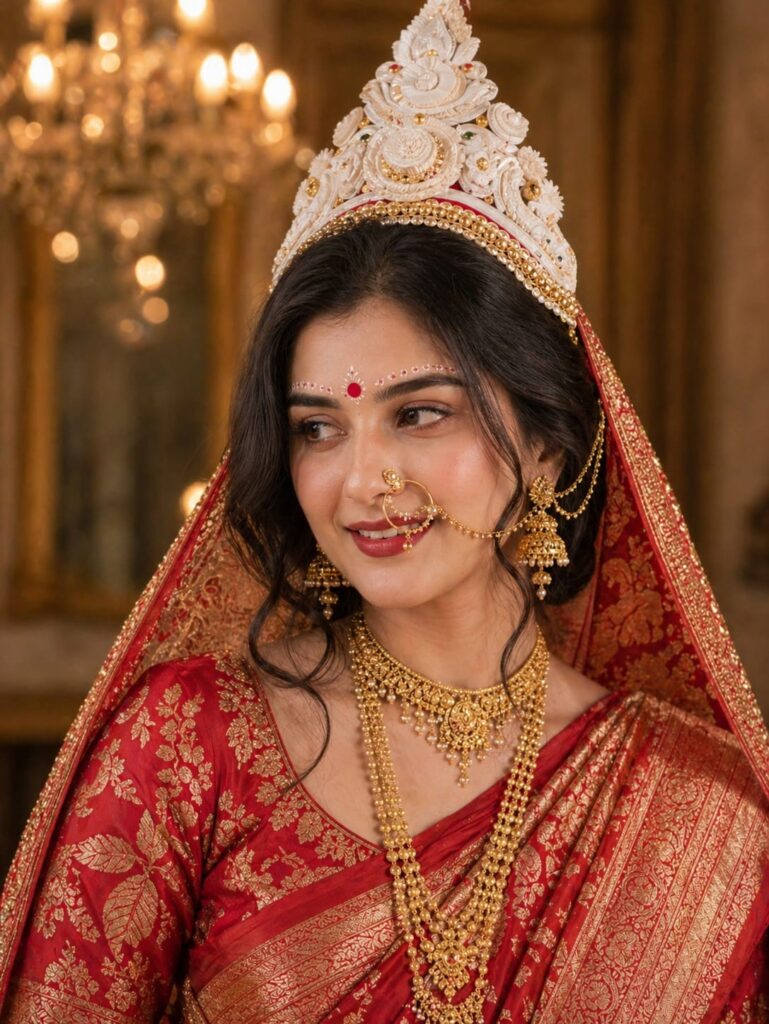
PROMT –
A beautiful Indian bride in traditional Bengali bridal attire, wearing a rich red Banarasi silk saree with intricate gold zari work. She is adorned with heavy gold jewelry including layered necklaces, large jhumka earrings, and a traditional nath (nose ring with chain). On her head, she wears an ornate white Bengali bridal crown (mukut) with detailed carvings.Her makeup is elegant and soft, featuring a red bindi, delicate white forehead designs (chandan art), warm glowing skin, and subtle eye makeup. Her hair is styled in a loose, slightly wavy updo with soft strands framing her face.She is looking slightly to the side with a gentle, natural smile.The background is warm, luxurious, and softly blurred (bokeh effect), with golden ambient lighting and chandelier lights creating a royal palace-like atmosphere.Lighting is soft, warm, and cinematic with gentle shadows, high detail, ultra-realistic, 85mm lens, shallow depth of field, 4K, photorealistic.
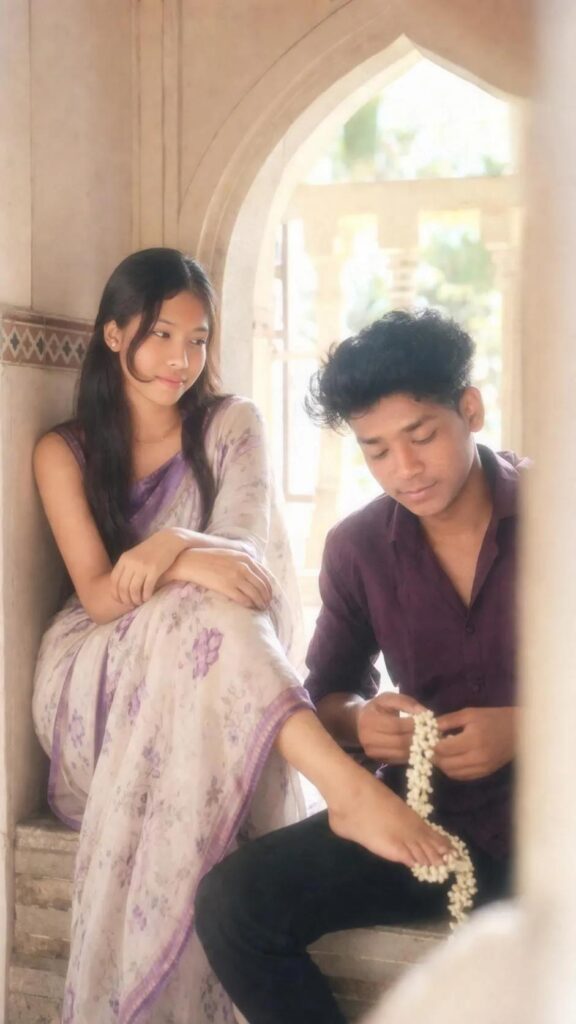
PROMT – soft low-resolution indoor candid couple portrait with slight blur, grain, and pronounced creamy diffusion glow, high-key bright exposure with lifted whites and soft highlight bloom, warm airy color tone with reduced contrast and gently faded shadows, strong wraparound ambient daylight flooding from the right side combined with soft frontal fill/flash effect to eliminate all harsh shadows, faces fully illuminated with smooth even skin tones and zero dark shadow pockets, subtle halation around bright areas creating a dreamy washed light effect without losing subject visibility, medium shot in 9:16 vertical aspect ratio, framed slightly off-center with a soft right-edge foreground obstruction blur, focal length resembling a compact camera or phone (around 35-50mm equivalent), shallow -to-moderate depth of field with overall softness and glowing haze, scene set in a traditional architectural window alcove with curved arch above and tiled border detail on the left wall, both subjects seated
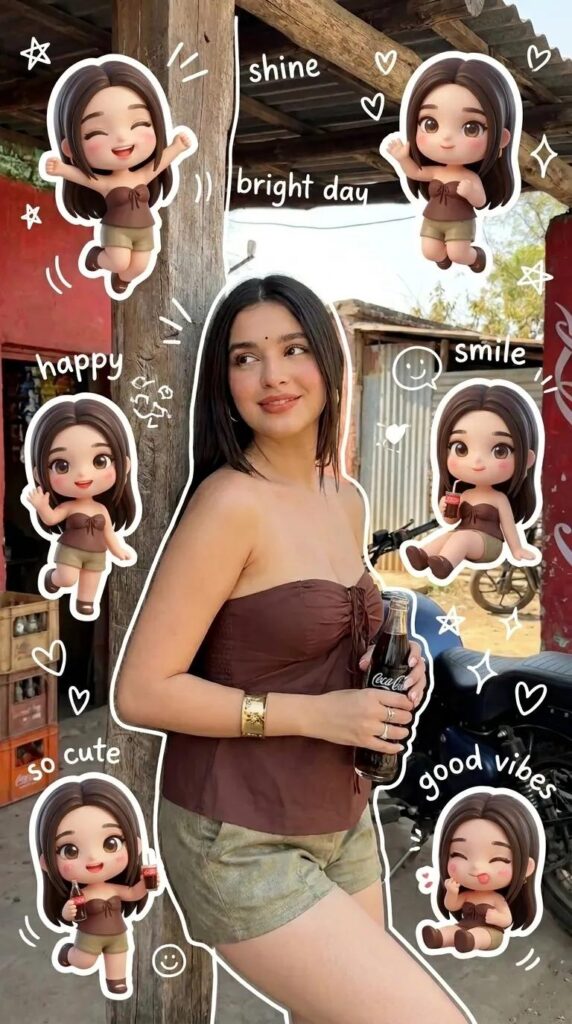
PROMT – Use a real face as a reference photo. The background is the same as in the photo. The lighting is warm, soft, and clean, with subtle shadows.Around the image, add several mini chibi (3D cute style) versions of the character, while maintaining the original facial features.Chibi characters have various poses and expressions: jumping cheerfully waving sitting relaxed holding a drink cute and playful expressions Add hand-drawn white doodle elements: outline around the main body stars, hearts, sparkles motion lines small cute icons Add aesthetic handwriting such as: “shine,” “bright day,” “happy,” “smile,” etc. (casual doodle font)Overall style: clean & aesthetic composition white sticker outline soft pastel color tone high detail 3D chibi glossy look cute Korean
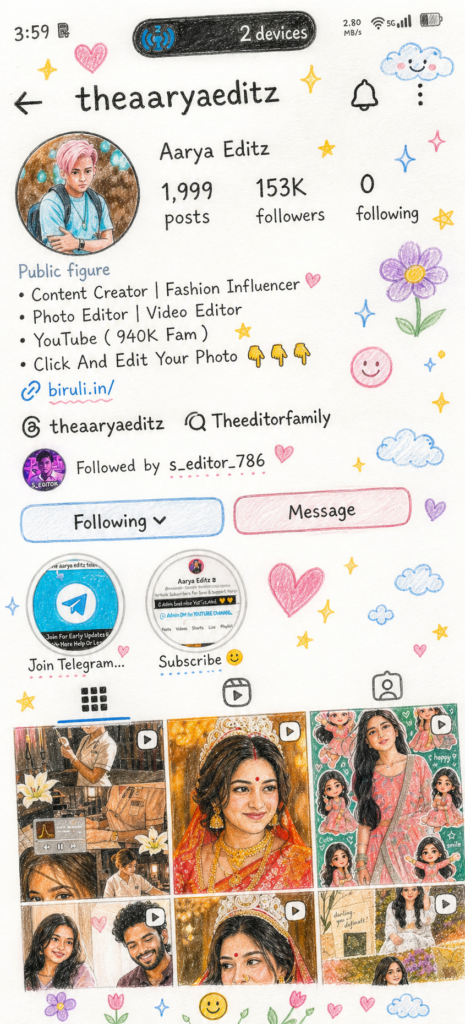
PROMT = Transform the image into a cute, hand-drawn pencil + crayon illustration in a childlike (talented 10-year-old) style.
Soft sketchy outlines with visible pencil strokes
Pastel crayon colors (slightly vibrant & playful)
Clean white paper texture with subtle shadows
Simplified UI into doodle-style shapes
Cute, slightly cartoonish but recognizable faces
Handwritten-style text (childlike but readable)
Add elements:
Stars, hearts, clouds, flowers, sparkles, smiley doodles around edges like stickers
Composition:
Keep original layout, add breathing space, slight tilt for natural hand-drawn feel
Vibe:
Cute, cozy, scrapbook-style, warm and aesthetic
Quality:
High-resolution, clean but artistic (not messy)
Aspect ratio: Same as original image
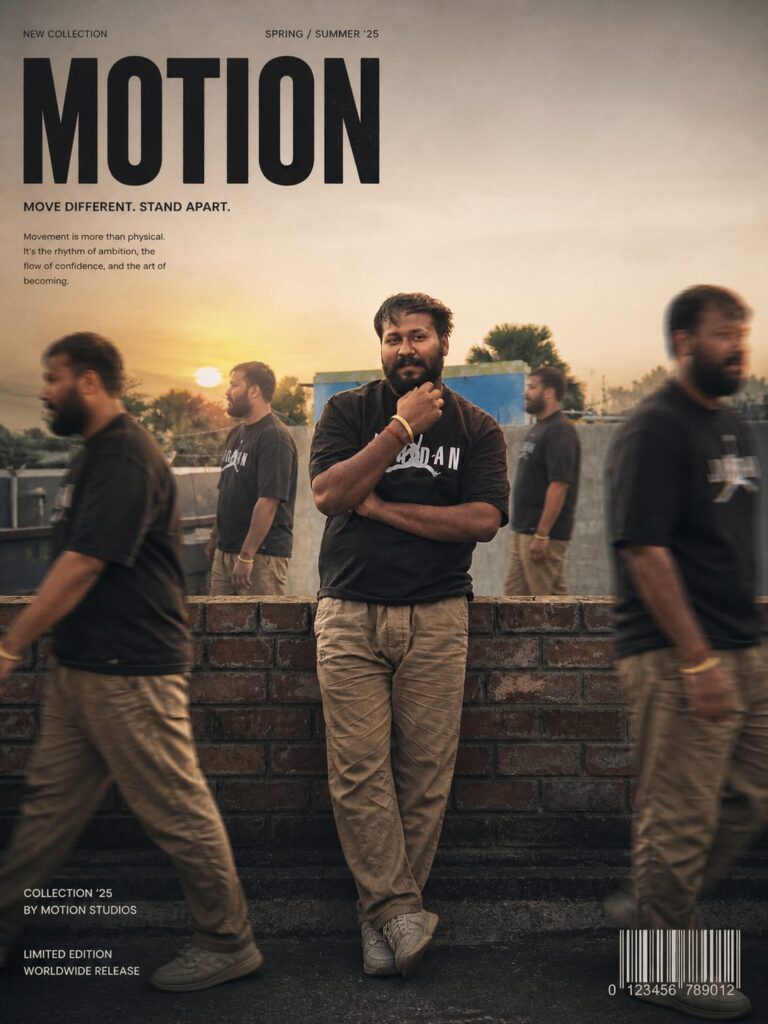
PROMT –
MOTION Transform my photo into a high-end cinematic streetweareditorial poster. Keep my face, body, pose, outfit, and original background recognizable, but enhance everything into a luxury fashion campaign aesthetic. Add 4 realistic duplicate versions of me across the frame placed naturally like motion-captured walk sequences. Keep the main/front version largest, sharpest, and most detailed, while side clones are slightly faded or motion blurred. Use dramatic overhead lighting with a subtle glow, deep shadows, long floor shadows, cool-toned cinematic color grading, strong contrast, glossy highlights, and soft film grain. Make the outfit textures crisp and premium. Add bold oversized magazine-style typography in the top corner with one powerful word related to movement or style (example: MOTION, STATIC, RUSH, ECHO). Include smaller minimal text such as collection year, slogan, barcode, or campaign details.