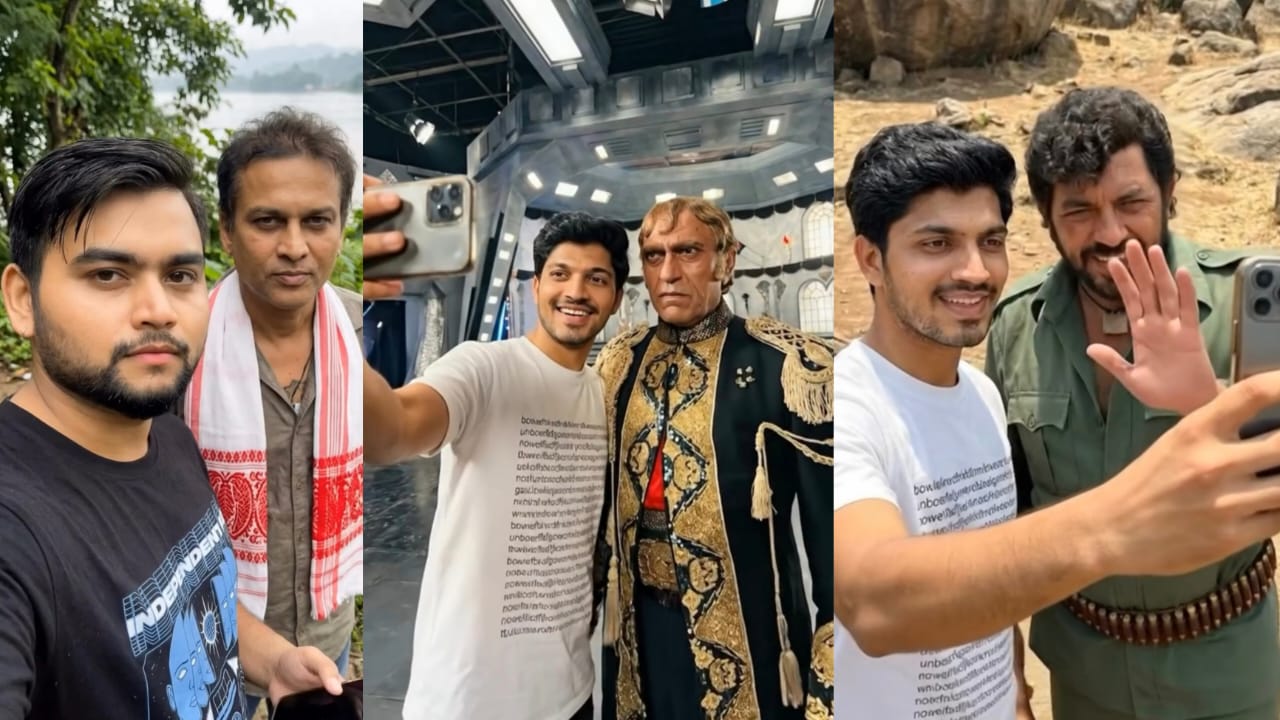
What Is Gemini Photo Editing?
Gemini is Google’s family of AI models, integrated into apps like Google Photos, Android, Chrome, and Gemini Web. Its photo-editing features use generative AI to modify images using text-based instructions. Gemini can:
- Enhance lighting, color, and contrast
- Remove or replace objects
- Expand backgrounds
- Apply artistic themes or moods
- Retouch portraits
- Generate new visual elements while preserving realism
What makes Gemini unique is its context awareness—it understands the overall scene and edits it cohesively, often better than traditional editing apps.
Why Use Gemini for Photo Editing?
Here are some reasons creators love Gemini:
✔ Beginner-friendly
No technical editing skills required—just describe what you want.
✔ Fast & efficient
Edits that take hours in Photoshop can be done in seconds.




✔ Consistent results
Perfect for bloggers and brands who want a cohesive style.
✔ Creative freedom
You can go from realistic enhancements to surreal transformations.
How to Edit Photos With Gemini
Editing with Gemini depends on the platform, but the general workflow is:
- Upload or open your image in Gemini
- Use a prompt to describe the change
- Review the generated options
- Download or refine further with follow-up prompts
The more detailed your prompt, the better the result.
Best Prompts for Gemini Photo Editing
Below are categorized prompts you can add to your blog exactly as written.
✨ 1. Basic Enhancement Prompts
Prompt 1:
“Enhance brightness, sharpness, and color; make the image look clean and vibrant.”
Prompt 2:
“Improve the lighting and remove harsh shadows while keeping a natural look.”
Prompt 3:
“Boost contrast and saturation slightly for a more cinematic feel.”
🧼 2. Object Removal Prompts
Prompt 1:
“Remove the people in the background and restore the natural scenery behind them.”
Prompt 2:
“Take out the unwanted objects on the table and clean up the entire surface.”
Prompt 3:
“Erase the car on the left side of the road and blend the environment naturally.”
🏞 3. Background Editing Prompts
Prompt 1:
“Expand the background to the left and right while maintaining the same style and lighting.”
Prompt 2:
“Replace the background with a soft sunset sky with warm tones.”
Prompt 3:
“Create a blurred background (bokeh effect) while keeping the subject sharp.”
🎨 4. Artistic Style Prompts
Prompt 1:
“Convert the photo into a watercolor painting style while keeping key details recognizable.”
Prompt 2:
“Apply a dreamy pastel aesthetic with soft lighting and gentle colors.”
Prompt 3:
“Give the image a cyberpunk neon look with purple and blue tones.”
👤 5. Portrait Editing Prompts
Prompt 1:
“Smooth skin naturally, enhance the eyes, and adjust lighting for a soft portrait.”
Prompt 2:
“Remove stray hairs and refine facial details without over-editing.”
Prompt 3:
“Add a warm golden-hour glow to the subject’s face.”
🌆 6. Social Media Ready Prompts
Prompt 1:
“Create an Instagram-ready edit with bold colors and high clarity.”
Prompt 2:
“Make the image Pinterest-aesthetic with soft whites and minimal tones.”
Prompt 3:
“Apply a lifestyle influencer style: bright, airy, and clean.”
Tips for Writing Better Gemini Prompts
Here’s how to get professional-quality edits:
✔ Be specific
Describe colors, lighting, style, and mood.
✔ Use photography terms
Words like contrast, vignette, depth of field, and exposure help.
✔ Mention your goal
Is it for social media? A product? A portrait?
✔ Use follow-up prompts
Gemini responds well to refinements like
“Make it softer,” “Try warmer tones,” or “Reduce haze.”
Final Thoughts
Gemini makes photo editing more accessible than ever. With simple text prompts, anyone can transform ordinary images into professional-looking visuals. Whether you use it for your blog, brand, or personal projects, Gemini opens up a world of creative possibilities.
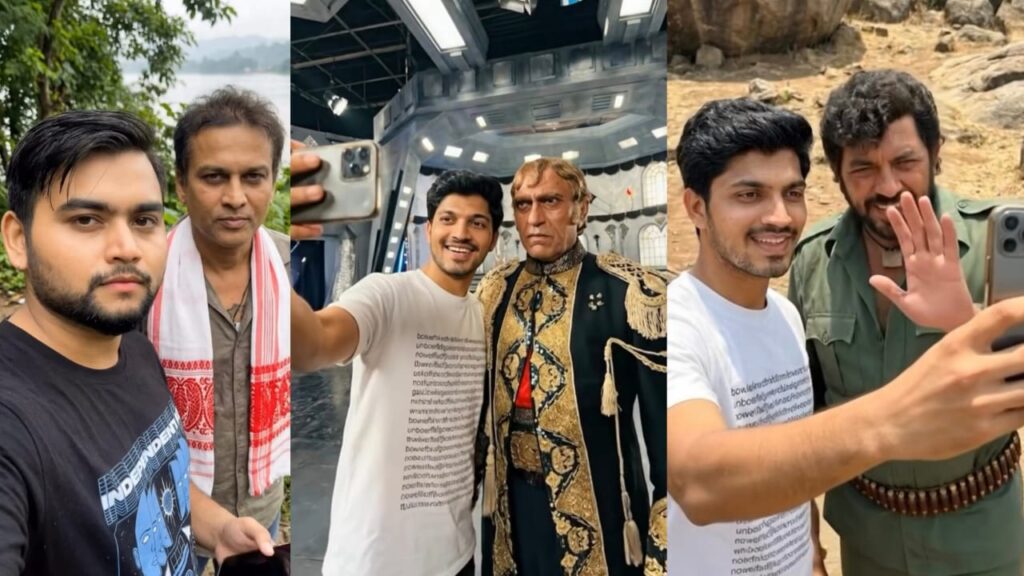
PROMT – Create a realistic, high-fidelity (8K) image based on the attached reference photo. Maintain the exact facial features, skin tone, bone structure, hairstyle, and expression of the attached person, with no alteration or face swapping. The attached person is taking a selfie with akashy kumar at [ hera pheri movie set ]. Crew members are adjusting internal lighting and equipment, with cables and gear visible. Directors and managers are standing behind, discussing the next take.