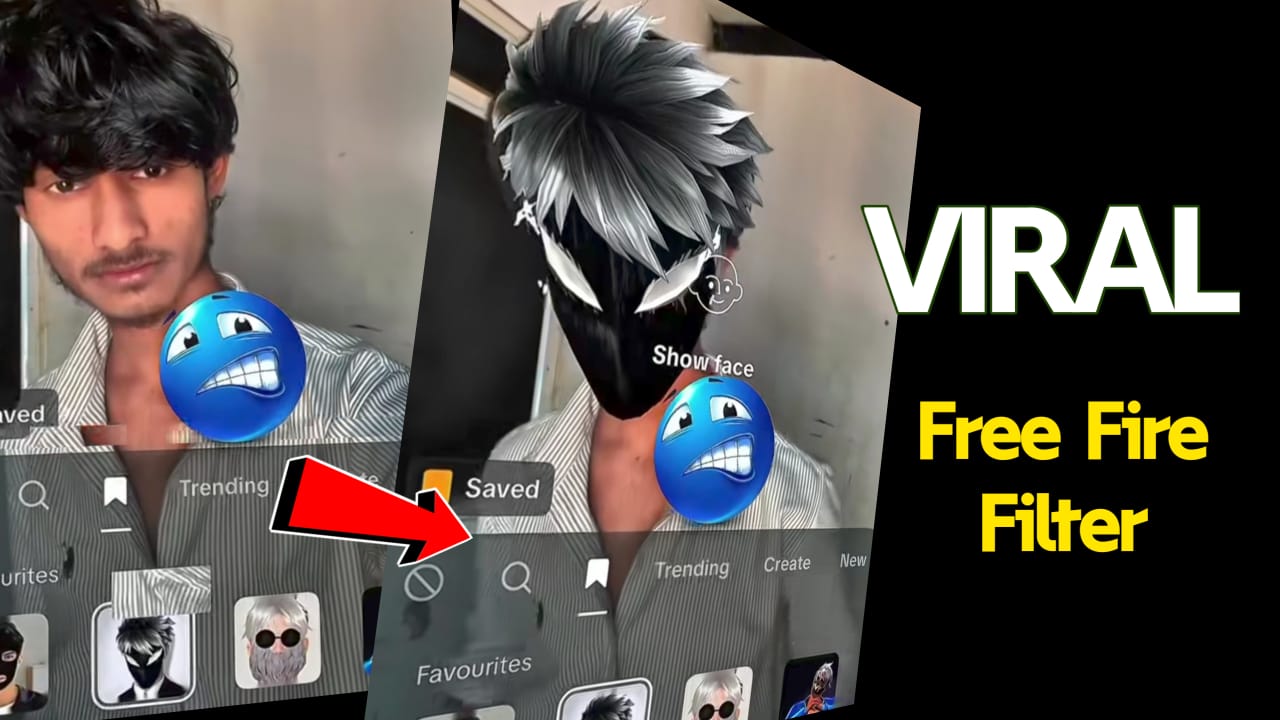
The Viral Free Fire Face Filter: What It Is and How to Use It
If you’re active on social media, you’ve probably noticed a new trend taking over Instagram, TikTok, and Facebook—the Free Fire face filter. Inspired by Garena Free Fire’s iconic characters and intense battle-royale style, this filter has quickly gone viral among gamers and creators. Whether you’re a Free Fire fan or just love fun effects, this filter adds a cool, action-packed look to your photos and videos.
In this article, we’ll dive into what the viral Free Fire filter is, why it became so popular, and how you can try it yourself.
What Is the Free Fire Face Filter?
The Free Fire face filter is a special AR (Augmented Reality) effect created for social media platforms like Instagram Reels, TikTok, and Snapchat. Once applied, the filter transforms your appearance to resemble Free Fire characters—complete with features like:
- War-paint or tactical makeup
- Neon or electric visual effects
- Futuristic helmets, masks, or goggles
- Character-inspired outfits or armor
- Fiery or dramatic backgrounds
The result is a dynamic gaming look that captures Free Fire’s intense, fast-paced aesthetic.
Why the Free Fire Filter Went Viral
Several reasons contributed to the filter becoming a trend:
1. Strong Free Fire Fanbase
Free Fire is one of the most popular mobile battle royale games in the world. Anything related to its characters or style spreads quickly in the community.
2. Eye-Catching Visuals
The filter adds dramatic effects that make photos and videos instantly more engaging. Creators love using it for transitions, challenges, and gaming-themed content.
3. Perfect for Short-Form Video Platforms
TikTok and Instagram Reels thrive on flashy, fun video trends. The Free Fire filter fits perfectly into this environment.
4. Influencers Boosted the Trend
Gaming influencers and content creators have been using the filter in their reels and shorts, helping the trend reach millions of viewers.
How to Use the Free Fire Face Filter
Trying the filter is simple. Here’s how you can access it depending on your platform:
1. Instagram
- Open Instagram and go to Reels.
- Tap the Effects icon.
- Search for terms like “Free Fire filter,” “FF face filter,” or “Garena Free Fire effect.”
- Choose the effect and start recording.
2. TikTok
- Open TikTok and tap Create.
- Go to the Effects section.
- Search for filters such as “Free Fire,” “Free Fire face,” or “FF game filter.”
- Apply it to your video and record your content.
3. Snapchat
Some creators also publish Free Fire-style lenses on Snapchat.
- Tap the Smiley icon.
- Go to Explore Lenses.
- Search “Free Fire.”
Tips for Creating Viral Videos Using the Filter
Want your content to stand out? Try these ideas:
- Use Free Fire-themed background music to match the vibe.
- Create before-and-after transitions showing your transformation with the filter.
- Recreate Free Fire character poses or action scenes.
- Add slow-motion effects for dramatic shots.
- Participate in trending Free Fire challenges or edits.
Final Thoughts
The viral Free Fire face filter is more than just a fun effect—it’s a way for fans to express their love for the game and join a global trend. Whether you’re a creator, a gamer, or someone who enjoys trying new filters, this effect is a great way to spice up your social media posts.
If you haven’t tried it yet, now is the perfect time to jump in and create your own Free Fire-style transformation!